DROID - Squirrel CTF Writeup
Walkthrough for the DROID Android reverse engineering challenge from Squirrel CTF.
Challenge Info
| Field | Details |
|---|---|
| CTF | Squirrel CTF |
| Challenge | DROID |
| Category | Android / Reverse Engineering |
Challenge Description
1
this is not the android you're looking for
Solution
We can start by installing the droid.APK to our emulator and check what is it about The first screen is pretty simple, it has a user input and a button that does some kind of checking
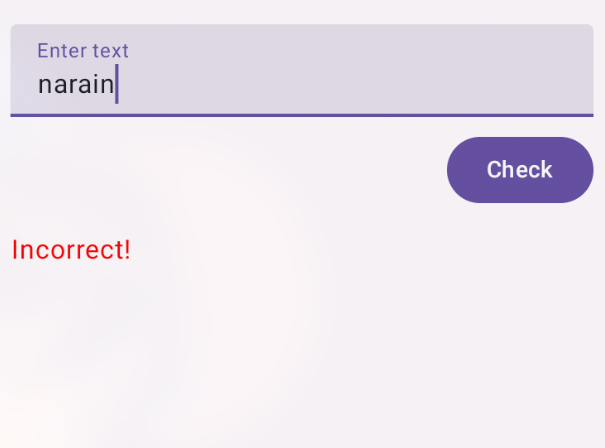
If we input anything random we get textview with a message Incorrect! Now, we can open this APK in Jadx and try to understand the logic
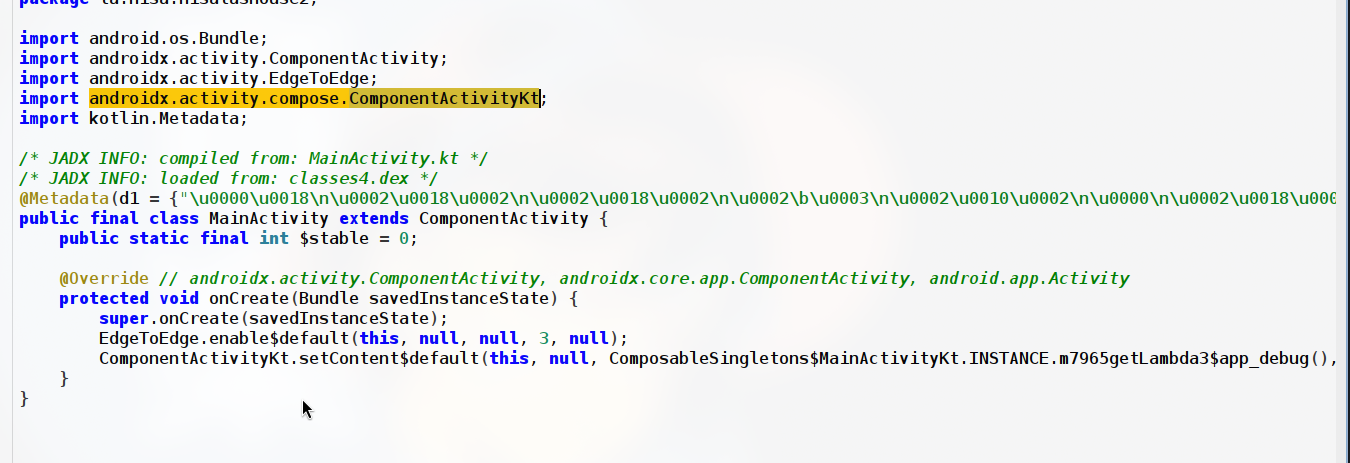
This main activity is not the actual Main activity, the actual logic behind the Main Activity is stored in some kt/kotlin source file When we input a random string in the app we get a message Incorrect!, So in Jadx we can perform a global search for the string Incorrect! to identify where its coming from
1
2
3
4
5
6
7
8
9
public static final Unit TextBoxWithButton$lambda$13$lambda$12$lambda$11(MutableState isTextChecked$delegate, MutableState text$delegate, MutableState resultText$delegate) {
        Intrinsics.checkNotNullParameter(isTextChecked$delegate, "$isTextChecked$delegate");
        Intrinsics.checkNotNullParameter(text$delegate, "$text$delegate");
        Intrinsics.checkNotNullParameter(resultText$delegate, "$resultText$delegate");
        TextBoxWithButton$lambda$8(isTextChecked$delegate, true);
        resultText$delegate.setValue(check(TextBoxWithButton$lambda$1(text$delegate)) ? "Correct!" : "Incorrect!");
        return Unit.INSTANCE;
    }
}
This code snippet is from the original kotlin file - MainActivitykt, in there we see that a method check is being used
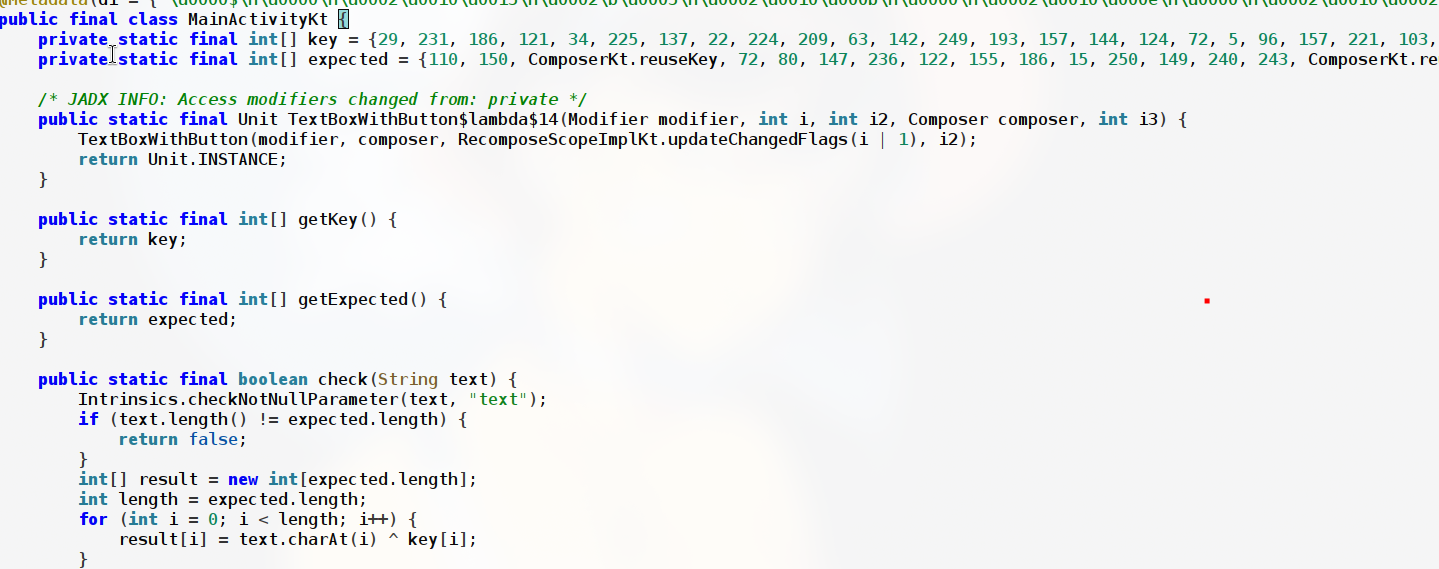
We see two int arrays key and expected, our input is being xored with the key and compared against expected And since xor is symmetric, we can reverse engineer the correct input be it result by, result[i] = key[i] ^ expected[i]
1
2
private static final int[] key = {29, 231, 186, 121, 34, 225, 137, 22, 224, 209, 63, 142, 249, 193, 157, 144, 124, 72, 5, 96, 157, 221, 103, 68, 40, 45, 109, 136, 123, 173, 37};
private static final int[] expected = {110, 150, ComposerKt.reuseKey, 72, 80, 147, 236, 122, 155, 186, 15, 250, 149, 240, 243, ComposerKt.reuseKey, 21, 59, 90, 3, 173, 237, 86, 27, 70, 28, 30, 188, 23, 153, 88};
The value of ComposerKt.reuseKey is also hardcoded we just need to click on it to view it in Jadx, the value is 207 Finally, we can write a python script to xor the arrays
1
2
3
4
5
6
key = [29,231,186,121,34,225,137,22,224,209,63,142,249,193,157,144,124,72,5,96,157,221,103,68,40,45,109,136,123,173,37]
expected = [110,150,207,72,80,147,236,122,155,186,15,250,149,240,243,207,21,59,90,3,173,237,86,27,70,28,30,188,23,153,88]
result = ""
for i in range(len(expected)):
    result += chr(expected[i] ^ key[i])
print(result)
We just need to run this script, FLAG:squ1rrel{k0tl1n_is_c001_n1s4l4}