Droid Cryptor - m0leC0n CTF Writeup
Walkthrough for the Droid Cryptor Android reverse engineering challenge from m0leC0n CTF.
Challenge Info
| Field | Details |
|---|---|
| CTF | m0leC0n CTF |
| Challenge | Droid Cryptor |
| Category | Android / Reverse Engineering |
Description
One of my friends told me about this application that promised to keep your data safe. When I tried to encrypt the data, I found out later that there is no way to view it! Can you retrieve my message?
Solution
We can start by installing and opening the APK
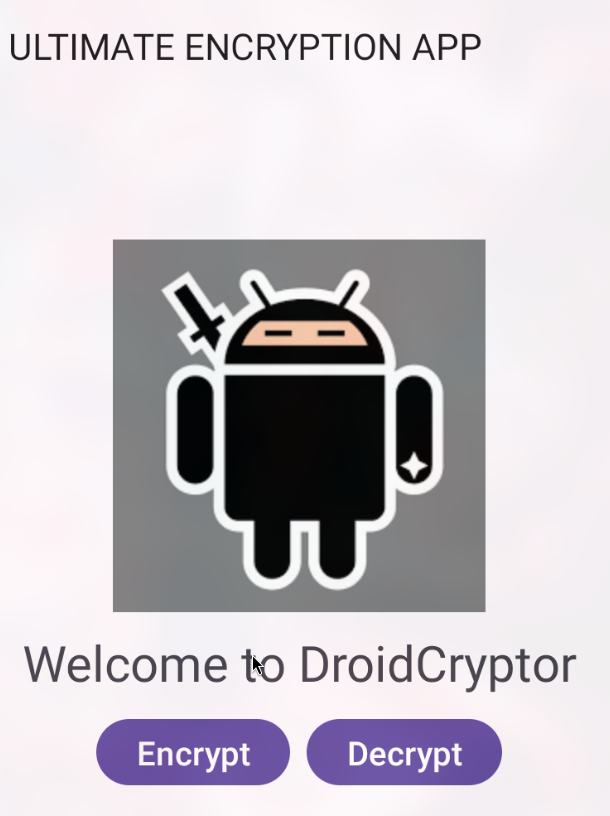
The launcher activity has two buttons :
- Encrypt
- Decrypt
When we click the Encrypt it takes us to the EncryptFragment and encrypts our message
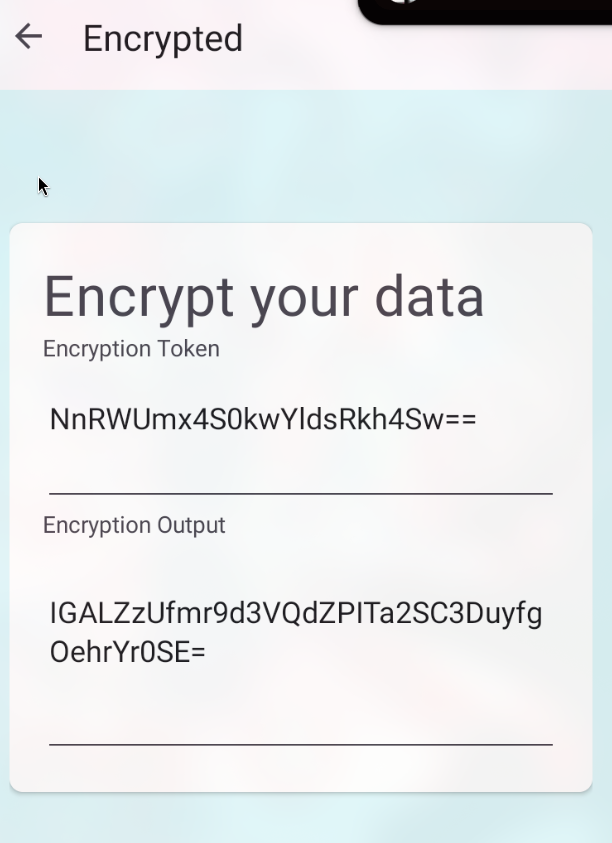
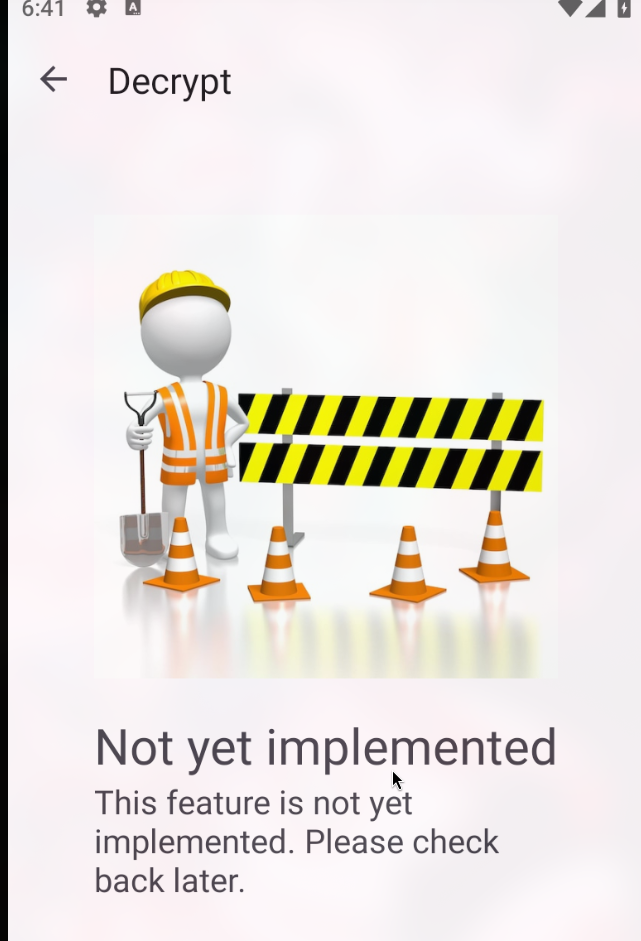
From the output, it is clear that is uses AES encryption, but when we click on the Decrypt button,
Now, we can proceed to inspect the APK in the Jadx, From the class `AesLaboratory,
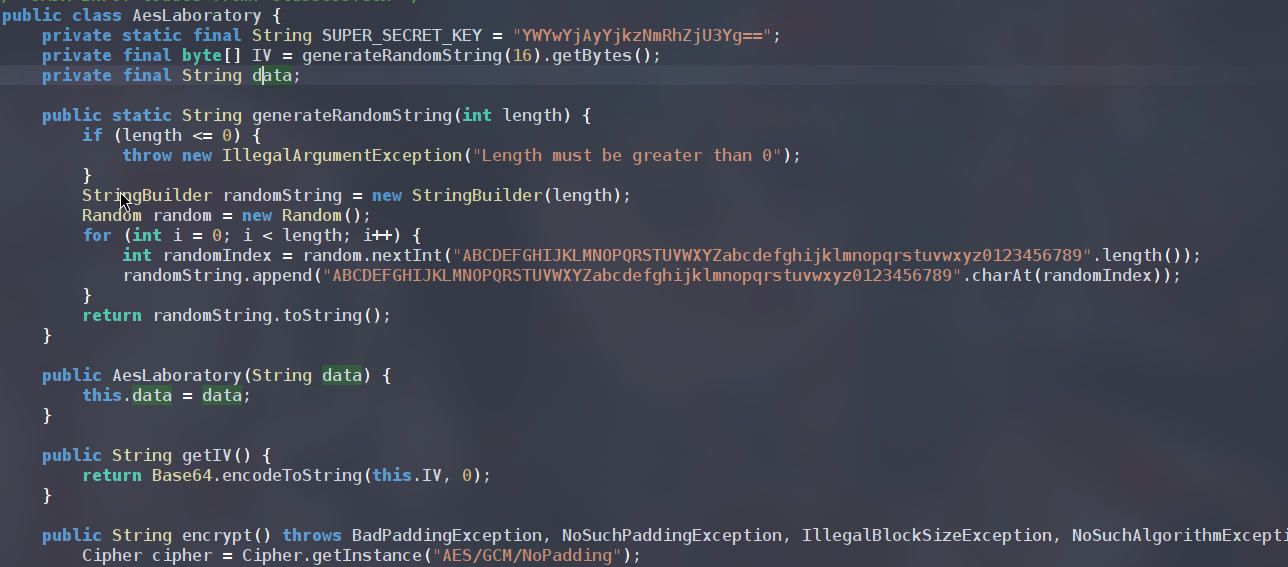
We get the SUPER_SECRET_KEY = "YWYwYjAyYjkzNmRhZjU3Yg==, from the .txt provided we already have the ciphertext and token (IV), we can use cyberchef.io to decrypt the ciphertext
Flag
1
FLAG:ptm{th3nk_y0u_f0r_r3st0r1ng_mY_m3ss4g3!}